Before a student is able to view or access a Pathways Assessment assignment via the student dashboard, a teacher or admin will need to toggle on the Show on student dashboard option for the assignment that is featured in step #9 of Assigning an Assessment.
Pathways Assessment Customers
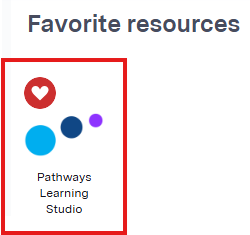
1. Students can login to access their assignments via the student dashboard by choosing the Pathways Learning Studio app (pictured below) in Clever or ClassLink. Students can also navigate to pathwayslearningstudio.com, enter their district email address, and choose the option to login with Google or Microsoft if applicable.
Students who are unable to login to the student dashboard via Clever, ClassLink, Google or Microsoft can login to assignments by visiting ola.k12pathways.cloud and entering the access code for the assignment they wish to access. Directions for teachers and students are available within the article Logging Students in for an Assessment with the OLA Website.
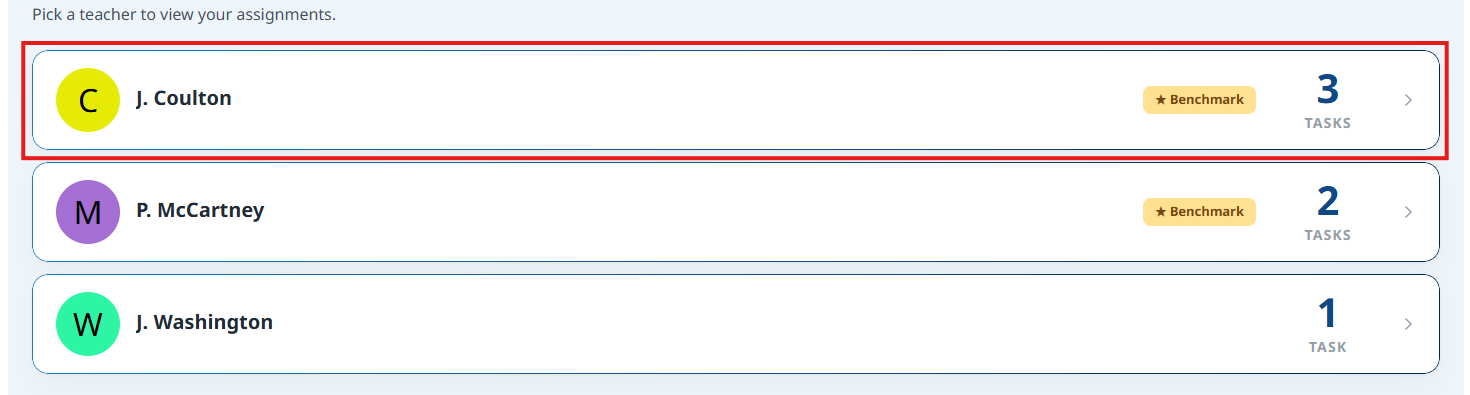
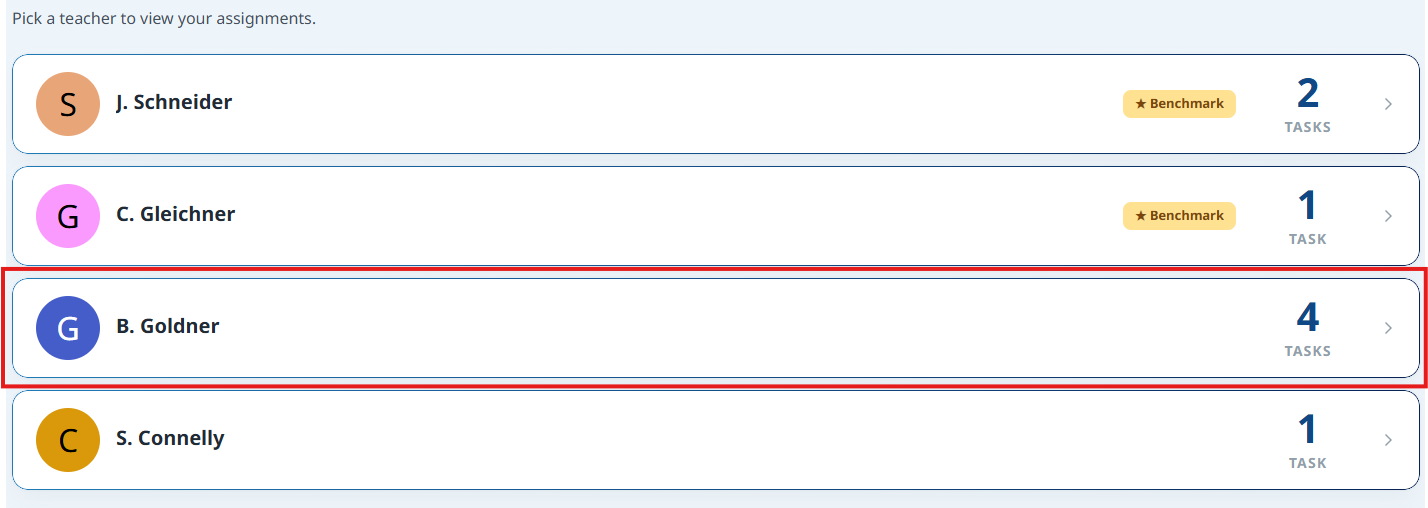
2. Students will then select the teacher whose assignments or tasks they want to access.
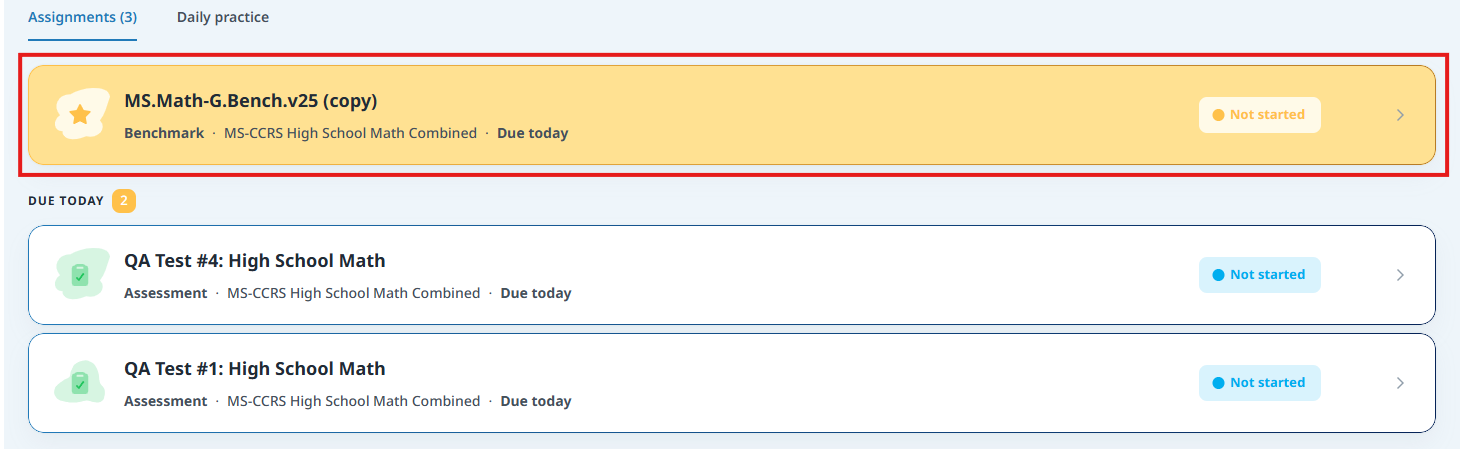
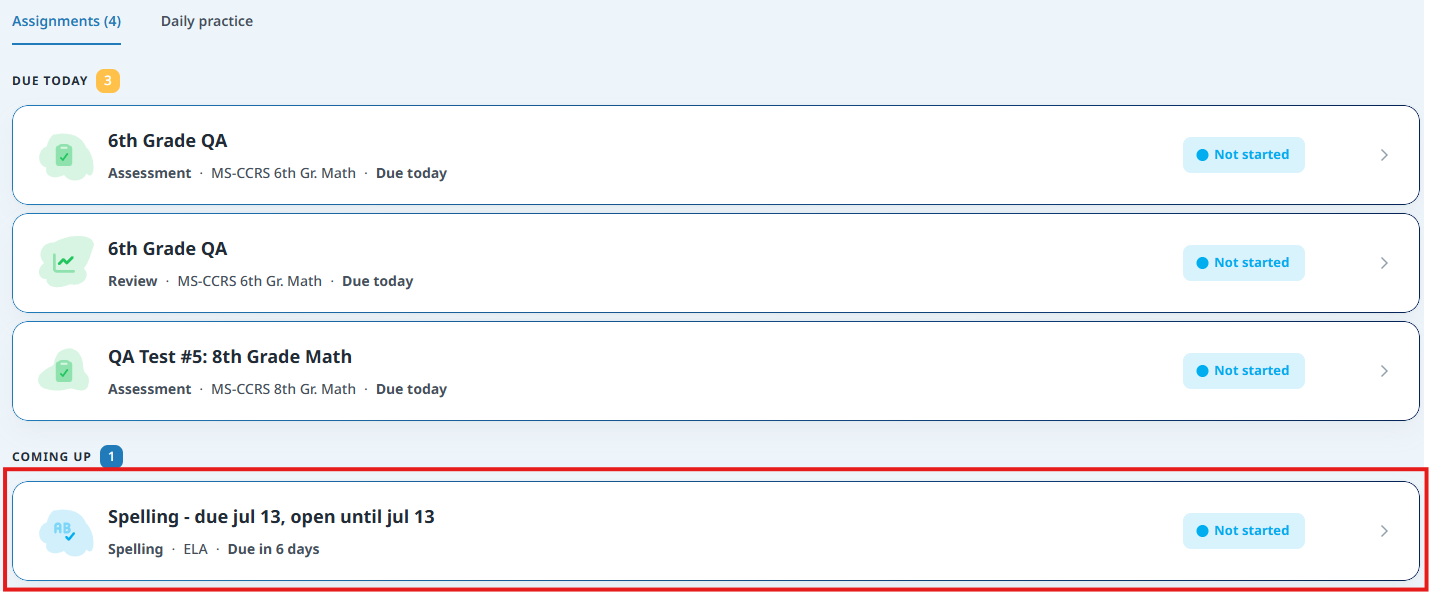
3. After identifying the assignment or task they want to access, a student can simply select that assignment or task to launch it.
Pathways Learning Customers
1. Students can login to assessments or tasks via the student dashboard by choosing the Pathways Learning Studio app (pictured below) in Clever or ClassLink. Students can also navigate to pathwayslearningstudio.com, enter their district email address, and choose the option to login with Google or Microsoft if applicable.
2. Students will then select the teacher whose assignments or tasks they want to access.
3. After identifying the assignment or task they want to access, a student can simply select that assignment or task to launch it.
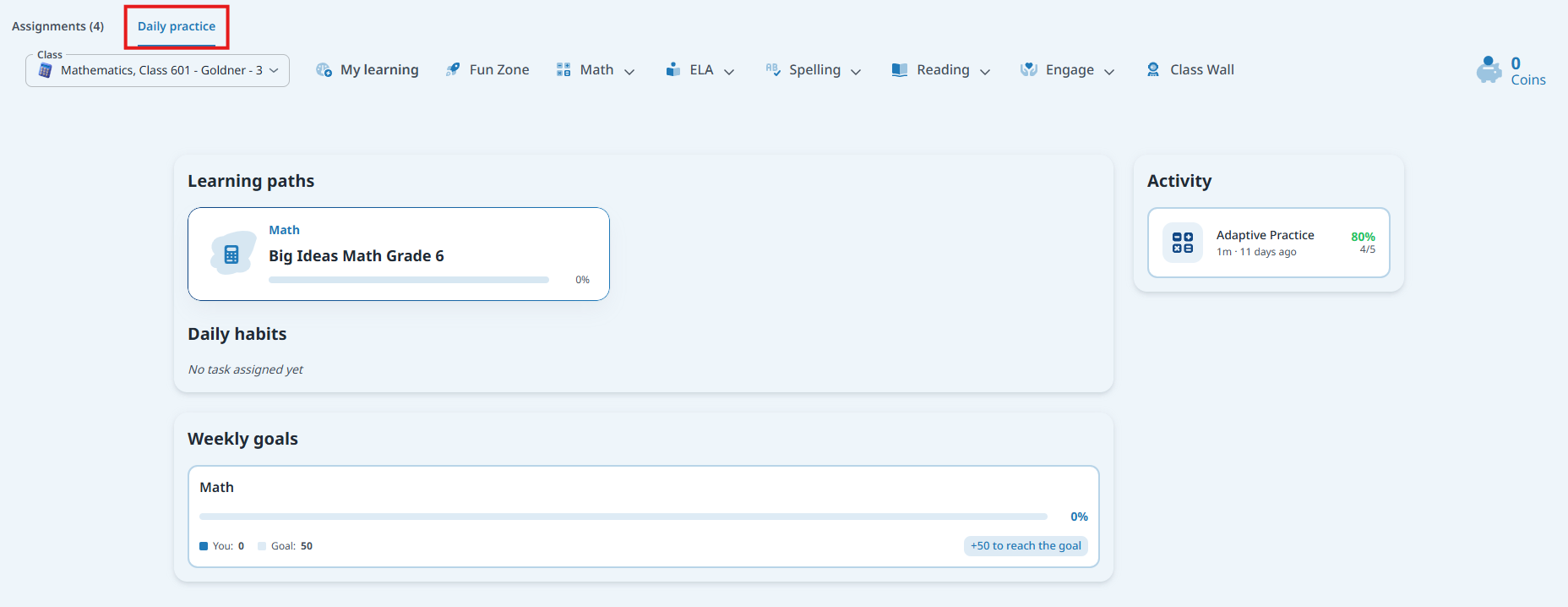
4. Students can select the Daily Practice tab to access their individualized Learning Path.
Was this article helpful?
That’s Great!
Thank you for your feedback
Sorry! We couldn't be helpful
Thank you for your feedback
Feedback sent
We appreciate your effort and will try to fix the article